update_option('rsssl_skip_challenge_directory_request', true);
Home
Assets
Tutorials
Contact
Menu
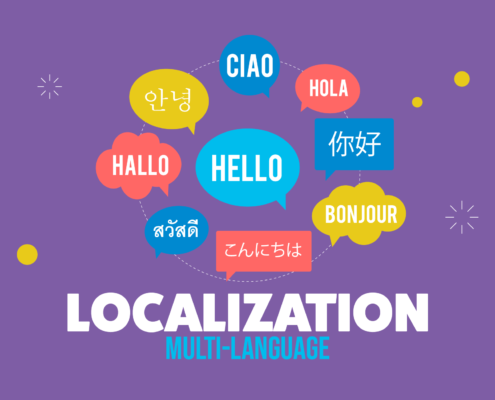
Localization (Multi-Language)
Make your app international
Get it from Unity Asset Store
Documentation
Key Features
Make your app international by translating it into multiple languages fast and easy.
Supports all languages supported by Unity.
Complete list available here
All settings are done inside a custom Settings Window.
Automatically detects the device language
and if no translation is available in that language the default language will be used.
Saves and Loads the last language used.
Auto Translation
implemented inside Settings Window. Automatically translations can be done by a single click inside asset.
Import/Export translations to .CSV files.
Works with
Unity UI, Text Mesh Pro
and
nGUI
.
Translations can be done automatically by adding a component to your text or by calling a single line of code.
Full example scenes included.
All code is available and commented.
Works on all supported Unity platforms.
Want to get in touch?
Scroll to top