Unity Game Assets Made Easy

Traffic AI, pedestrian AI and vehicle packs for Unity — set up in minutes, with complete C# source included.

Living cities, without the setup pain

Gley Games has been building Unity assets since 2015. The current line does one thing well: it fills your scenes with believable traffic and pedestrians, on desktop and on phones, without weeks of configuration. Mobile Traffic System was nominated for Best Development Tool at the Unity Awards 2021, and today carries 4.8/5 across 65 Asset Store reviews.

Every system ships with complete, commented C# source — not a compiled DLL. You can read how it works, extend it, and fix it against your own project. Setup runs through custom editor tools instead of hand-wiring components, and pathfinding is waypoint-based, so you’re not fighting NavMesh bakes on large city scenes.
Unity Assets

City Traffic & Pedestrians

Unity traffic and pedestrian system — pedestrians crossing while cars wait at the line in a city scene

Mobile Pedestrian System

Unity pedestrian system: a crowd of AI pedestrians crossing a city street on a zebra crossing at a green pedestrian light

Mobile Traffic System

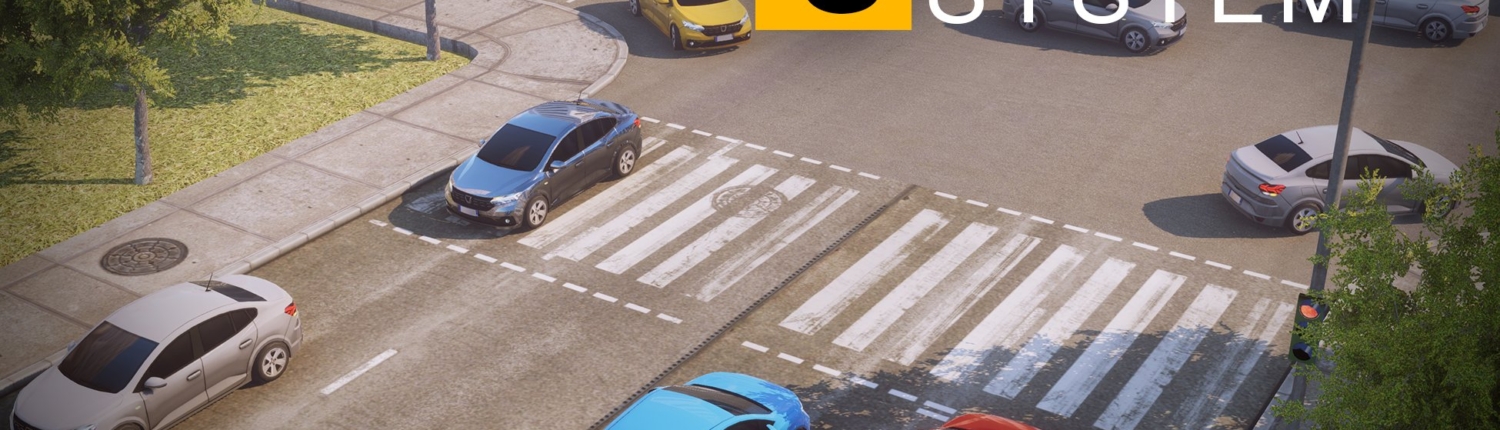
Unity traffic system: AI cars stopped at a red light on a city crossing, with more traffic queueing across the junction

What our assets are for

Everything we publish solves one problem: a city that looks empty. If your game has roads, our systems fill them — with cars that obey the lights and people who wait to cross — without you writing a traffic simulator first.

Driving and racing games

Ambient traffic that overtakes, gives way and indicates turns a bare circuit into a road. Mobile Traffic System runs 300 AI cars on a phone, so density is a setting rather than a compromise.

Open-world and city games

Streets need both halves. The Complete City Traffic & Pedestrian System bundles traffic and pedestrian AI that share the same traffic lights, so cars stop and crowds cross together without anything hand-scripted.

Simulation and technical projects

Waypoint pathfinding instead of NavMesh means deterministic, inspectable routes — every path is visible in the scene view, and every decision the system makes is in the commented C# source you get with it. When you need to explain or change why a vehicle did something, that matters more than convenience does.

Mobile-first projects

All of it was written against a phone frame budget before it ever ran on a desktop. Pooling, the Job System and Burst are why the same scene that fills a laptop screen also runs on a mid-range Android device.

Cars that stop at the lights, and crowds that cross when they do. Both halves of a living city, in one package.

We Like

Playmaker

Playmaker — visual scripting for Unity

Gridlock – City Traffic

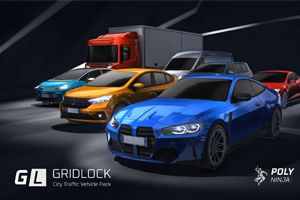
GRIDLOCK City Traffic Vehicle Pack — low-poly cars and trucks for Unity

The Illustrated Nature

Illustrated 3D Nature — stylised trees and vegetation for Unity

Toon City

Toon City — low-poly cartoon city environment for Unity

Amplify Shader Editor

Amplify Shader Editor — node-based shader authoring for Unity

What users say about our products

This one? It just works. Out of the box, I had cars and people moving around my city in like 10 minutes. The setup is surprisingly simple — drag, drop, assign a few waypoints, and you’re done.

Mobile Traffic System is hands down one of the most efficient and well-designed vehicle simulation assets available for Unity. Lightweight, modular, and highly flexible, it provides a rock-solid foundation for both mobile games and more demanding desktop projects.

The learning curve was shorter than I expected. This is largely due to the well-made video tutorials and clear online documentation. With probably less than an hour, you can implement traffic scenes similar to those shown in the promotional videos into your own project.

This is really great work!! You can set the pedestrian priority according to your city. It is well optimized for big cities as well. I really like this asset and also the developer is very active and helpful on Discord!

If there’s anything as great as this asset, it’s definitely the way they treat their customers! Incredibly fast responses, kindness, understanding, and support. Craftsmanship like this truly deserves to be rewarded.

Gley Games

About Gley Games

Gley Games goes back further than the Asset Store listings suggest. Game development started in 2010 in Flash, moved to Unity in 2012 — back when 3.5 was current — and has run for more than fifteen years since, across upwards of twenty shipped products, both inside a studio and independently, most of them on mobile.

The tools written along the way turned out to be more useful than some of the games, and the work has been on Unity assets ever since: traffic AI, pedestrian AI and the vehicle packs that go with them.

There used to be many more of them on the Asset Store. Keeping a dozen products merely adequate is easier than making four genuinely good, and one person cannot do both — so the line was cut back on purpose rather than left to drift. What remains is what we intend to be the best of its kind, and the time that used to go into maintaining the rest goes into these instead.

Mobile Traffic System has been through three major versions since 2021 and still ships updates. It was nominated for Best Development Tool at the Unity Awards 2021 and holds 4.8 out of 5 from 65 Asset Store ratings — more reviews than any competing Unity traffic asset. Mobile Pedestrian System is built to share the same streets.

Support is not outsourced. The person who answers on Discord is the person who wrote the code, which is why replies tend to arrive the same day and why a bug report usually turns into a fix rather than a workaround.

Want to get in touch?